
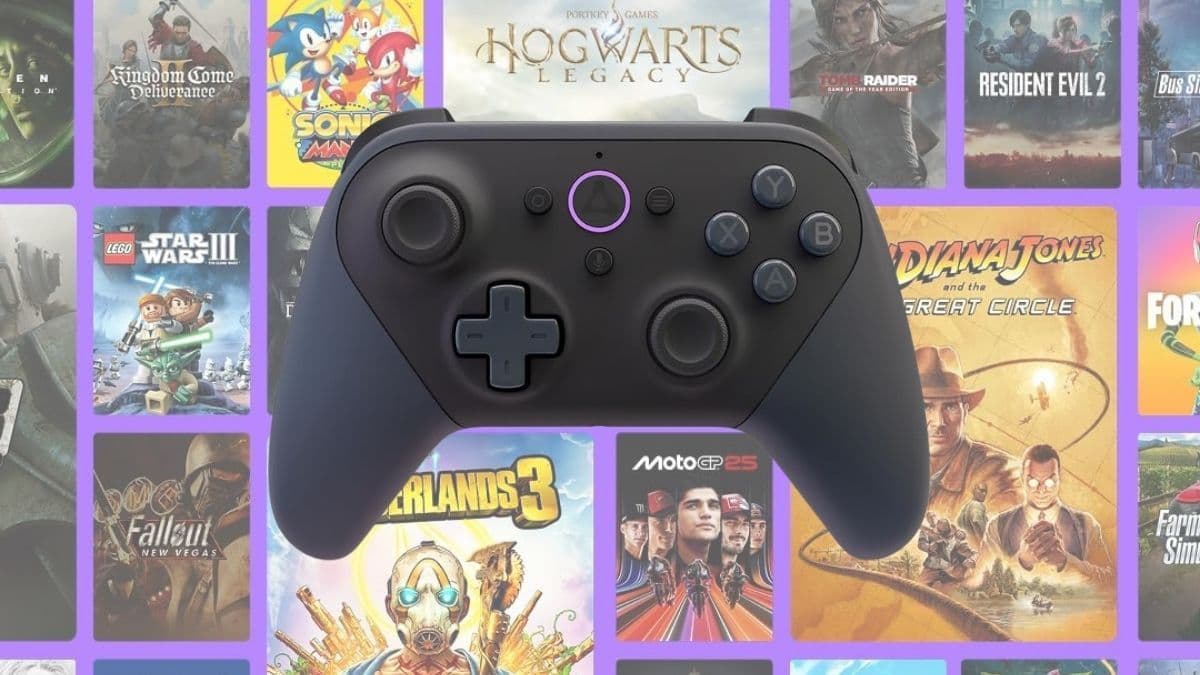

Evaluating a controller today goes beyond buttons and comfort—it’s about how well it integrates into your gaming ecosystem.
The Amazon Luna Controller positions itself as more than a standard gamepad by focusing on cloud gaming performance and seamless device switching. If you’re considering it, you’re likely wondering whether its unique features justify the price or if it’s simply another controller with a familiar design.
Looking at real-world use, it becomes clear that this controller is built with a specific purpose rather than broad, universal appeal.
A Controller Designed for Cloud Gaming First
Before diving into performance, it’s important to understand what makes this controller different. Unlike traditional controllers that rely mainly on Bluetooth, this one introduces a direct Wi-Fi connection designed specifically for Amazon’s cloud gaming platform. That shift in connectivity changes how input is handled, especially in fast-paced gaming scenarios.
Key Features at a Glance
- Cloud Direct Wi-Fi connection for reduced latency
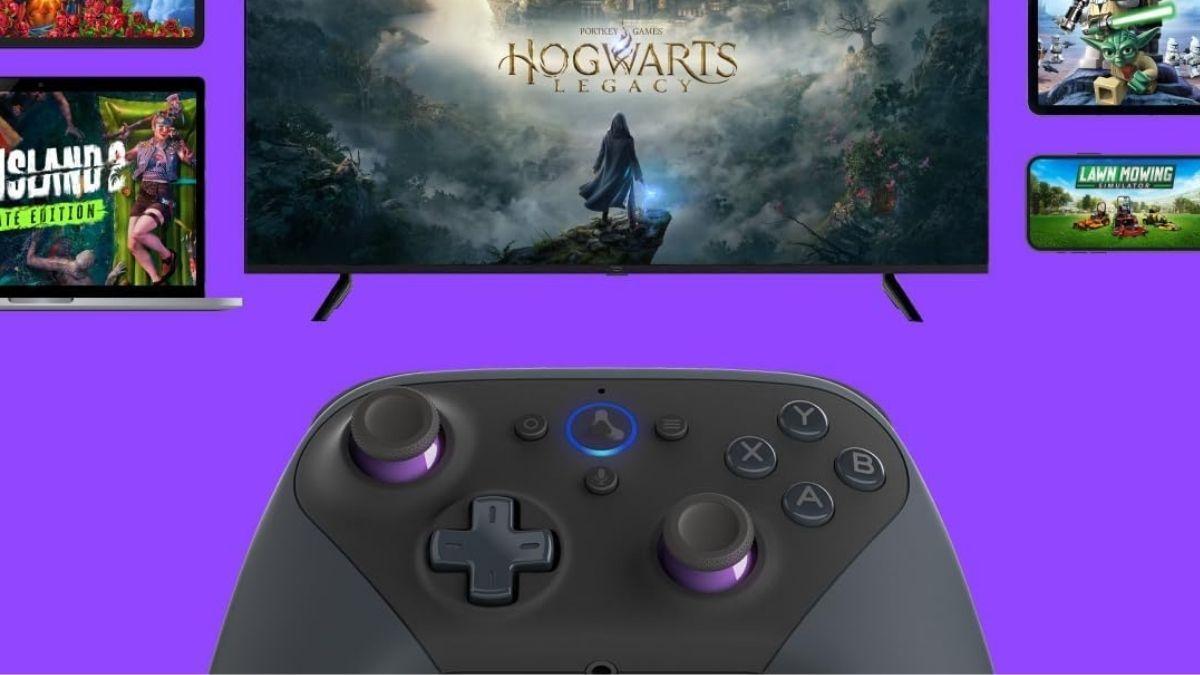
- Multi-device compatibility (PC, mobile, Fire TV, tablets)
- Xbox-style layout for familiarity
- Built-in microphone with Alexa button
- 3.5mm headset jack for audio
- Powered by replaceable AA batteries
This setup clearly shows that the controller is built with a specific audience in mind—cloud gamers who value responsiveness, convenience, and ecosystem integration over traditional hardware features.
How Cloud Direct Actually Impacts Gameplay
The biggest selling point is the Cloud Direct Wi-Fi connection. Instead of routing your input through your device, the controller communicates directly with Amazon’s servers. This bypass can reduce one layer of delay that typically affects wireless controllers.
What This Means for You
- Faster input response during gameplay
- Reduced lag compared to Bluetooth connections
- Smoother experience in fast-paced titles
If you actively use Amazon Luna, this difference can feel noticeable, particularly in competitive or reaction-based games. Movements register more quickly, and gameplay feels tighter overall. However, it’s important to stay realistic—this improvement depends heavily on your internet stability. Outside of Luna, this advantage disappears, and the controller behaves like a standard Bluetooth device.
Seamless Switching Across Devices
Another standout feature is how easily you can switch between devices. You can start a game on your Fire TV and continue on your phone without reconnecting the controller, which adds a level of flexibility many users don’t realize they need until they experience it.
Why This Matters
- No need to re-pair every time you switch screens
- Ideal for flexible, on-the-go gaming
- Saves time and reduces setup friction
If your gaming habits involve multiple screens throughout the day, this feature becomes genuinely valuable. It aligns well with modern, portable lifestyles where convenience matters as much as performance.
Performance, Comfort, and Build Quality
In everyday use, the controller delivers solid performance. The layout mirrors an Xbox controller, so you’ll likely find it intuitive right away, even if you’re switching from another platform.
What You’ll Notice During Use
- Responsive thumbsticks and tactile buttons
- Comfortable grip for longer sessions
- Balanced weight that minimizes fatigue
The textured surface helps maintain grip, even during extended gameplay. Build quality feels durable, with no obvious weak points, which supports long-term use. However, not everything is perfect. Some users report that the triggers feel slightly stiff, which may affect precision depending on your preferences and the type of games you play.
Battery Choice: Practical or Problematic
One of the more debated aspects is the use of AA batteries instead of a built-in rechargeable system. This design decision sparks mixed reactions depending on your priorities.
Pros
- Easy to swap batteries instantly
- No downtime waiting for charging
- Useful for travel or backup situations
Cons
- Ongoing cost of replacing batteries
- Less convenient than USB charging
- Inconsistent battery life (around 4–15 hours)
If you prefer modern convenience, this might feel like a drawback. On the other hand, if you value flexibility and quick replacements, it can still be practical in certain scenarios.
Where It Fits in the Market
At its price point, this controller competes with established options like Xbox controllers, which often cost the same or even less. That makes its value highly dependent on how you plan to use it.
When It Makes Sense
- You actively use Amazon Luna
- You want lower latency in cloud gaming
- You switch between devices frequently
When It Might Not
- You mainly play on console or PC without Luna
- You prefer rechargeable controllers
- You want maximum value for general gaming
Without Luna, the controller loses its main advantage, making it harder to justify over more versatile alternatives.
Final Take: A Smart Buy or a Niche Upgrade
Choosing the right controller depends heavily on how you play and what you expect from your setup. The Amazon Luna Controller isn’t designed to replace every gamepad—it focuses on delivering a better cloud gaming experience within a specific ecosystem.
If you’re invested in Amazon Luna and want smoother, more responsive gameplay, it offers a meaningful upgrade. The seamless device switching and direct Wi-Fi connection provide practical benefits that go beyond basic functionality.
However, if you don’t use Luna, you may not fully benefit from what makes this controller unique. In that case, exploring other controllers could give you better overall value for your money.
If you’re interested in trying it out or comparing it with other gaming accessories, you can check Amazon and browse for more gift ideas that match your gaming style and setup.